Opening the Repository
The easiest way to open the repository is via the Navigation Bar. When the Project View is displayed, first select the project for which you want to open the repository.

Alternatively, you can open the repository via the action Open
Documentation below a project in the project tree or, if you have another view of a project open, via the action in the menu bar.
Together with the Repository the home page of the repository is opened.
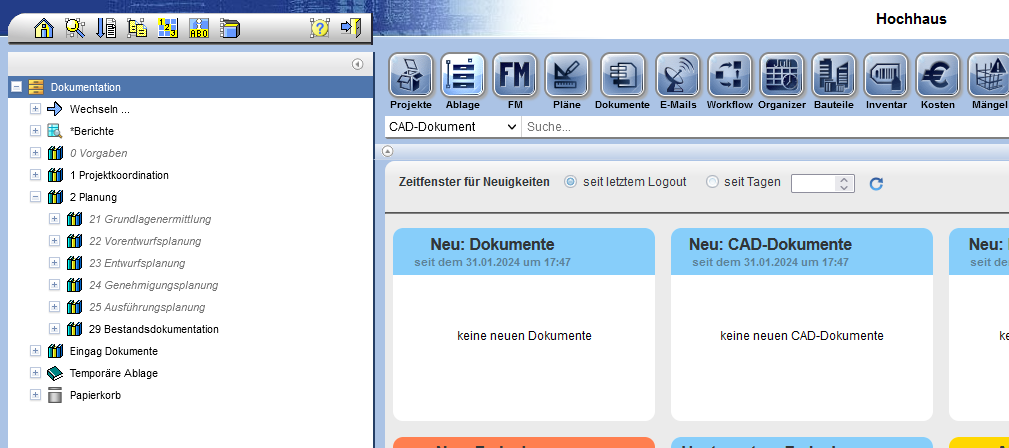
When opening the project, the number and name are also displayed in the title of the browser window. This makes it easier to keep track of which project you are currently in.
If an address has been set for the opened project, the corresponding current weather will be displayed at the top right of the window.