News Page
Immediately after the Opening the Documentation the News Page is displayed, which informs you about the latest status, including uploaded documents, planning statuses, dates and tasks, as well as new approvals, messages and emails.
The table To Do Today provides an overview of dates, tasks, open approvals and current stations.
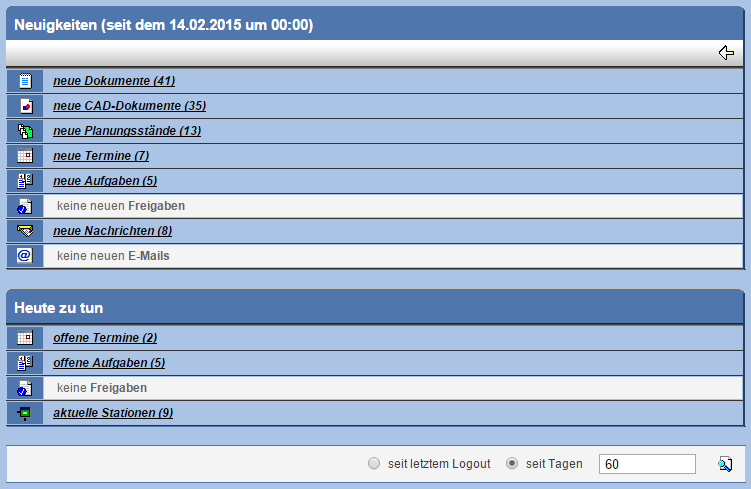
Via a link you can obtain information on the respective news items.
In the lower area of the window you can specify the time period for the displayed news
items. Choose between the options since the last logout or since days,
and enter a time period there. Confirm your choice with .
With the action in the menu bar you can
display the News Page at any time.
