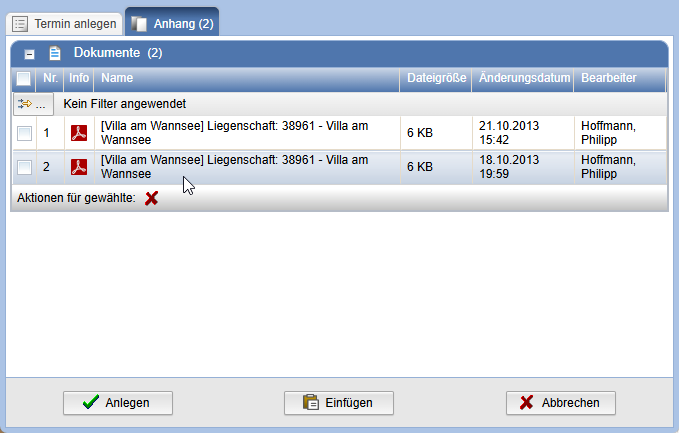
Add Documents as Attachments
General
Attachments can be added to the following objects:
- Tasks
- Appointments
- E-mails and Internal Messages
- Distributions
Inserting Documents from the Clipboard
The procedure is the same for all objects.
When
creating one of the above objects, the tab
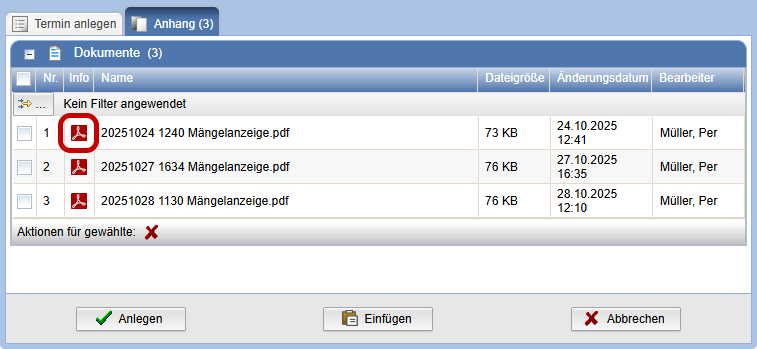
Attachment is available. Click this tab to add documents.
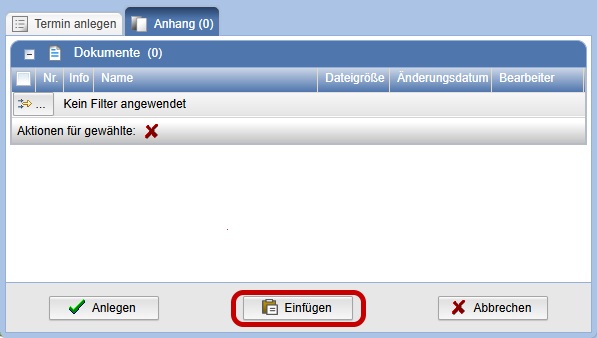
With the action Insert in the Clipboard documents located there can be added.
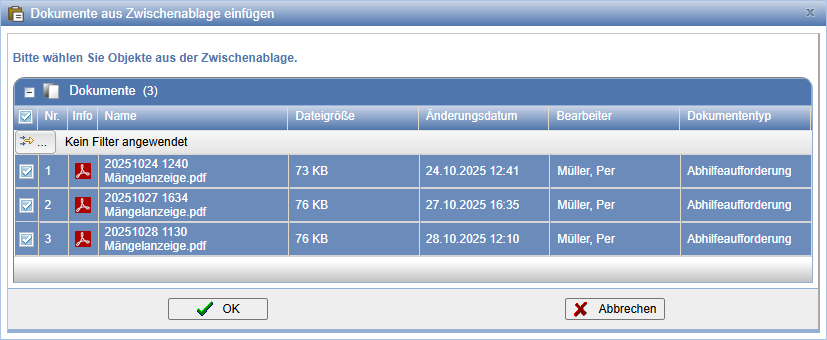
Select the desired documents and confirm your selection with OK.
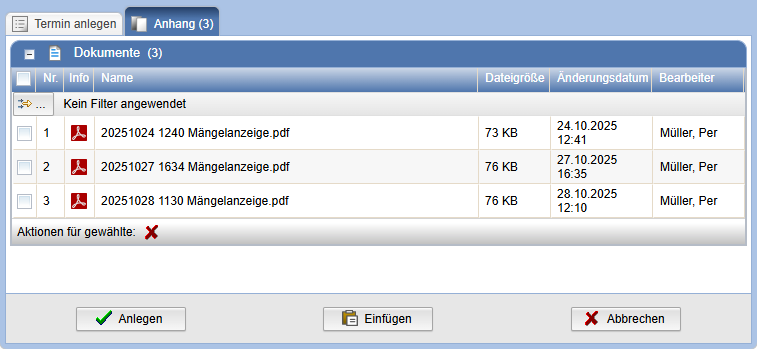
The selected documents now appear in the tab Attachment.
Clicking on a document icon opens an Info dialog.
Inserting Documents via Drag & Drop
Documents can also be added via drag & drop.
Mark
the desired documents in a table. Then, while holding down the mouse button,
drag them to the tab card Attachment and
release the mouse button there.
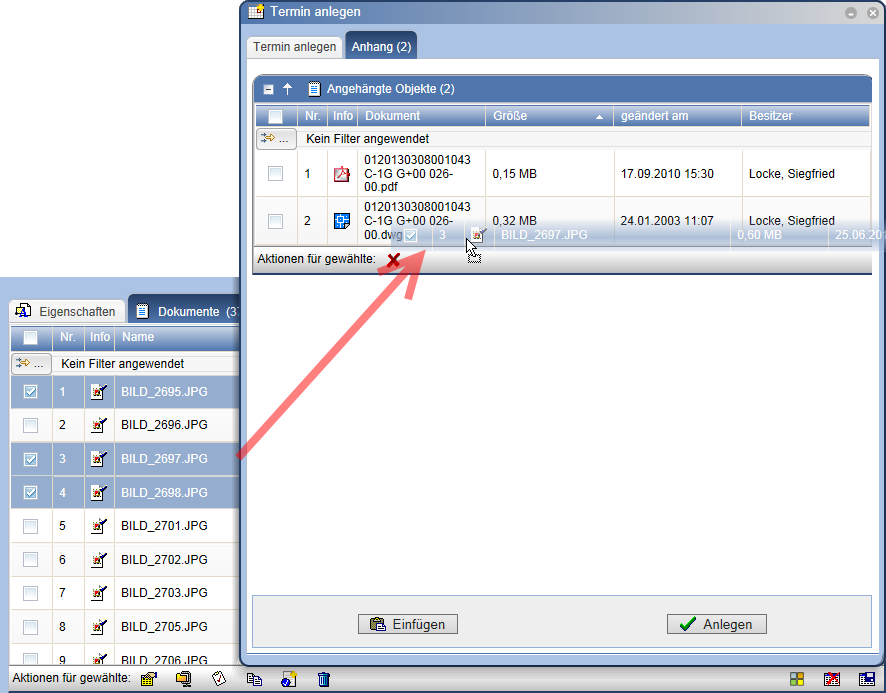
After successfully dragging over, the documents appear as attachments.