Sample Order
To easily obtain documents in paper form via a repro service provider, you can place a repro order. Please note the requirements of the repro service providers regarding the file format.
First, copy all relevant documents regarding the actionto the clipboard.
Open the clipboard nowand check the document compilation. Remove documents that are not to be considered using the action
.
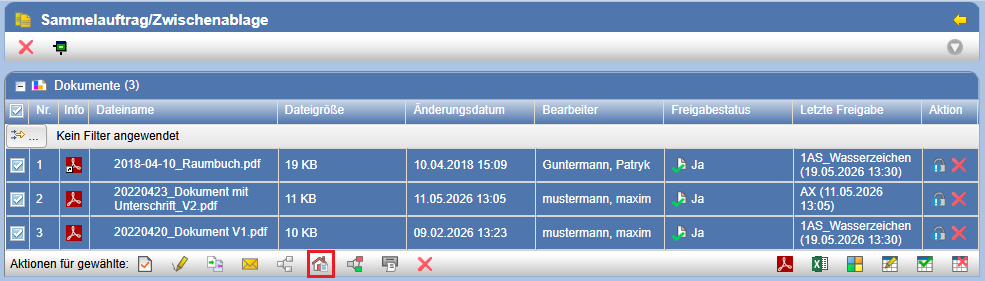
Subsequently, open via the actionthe form for the repro order.
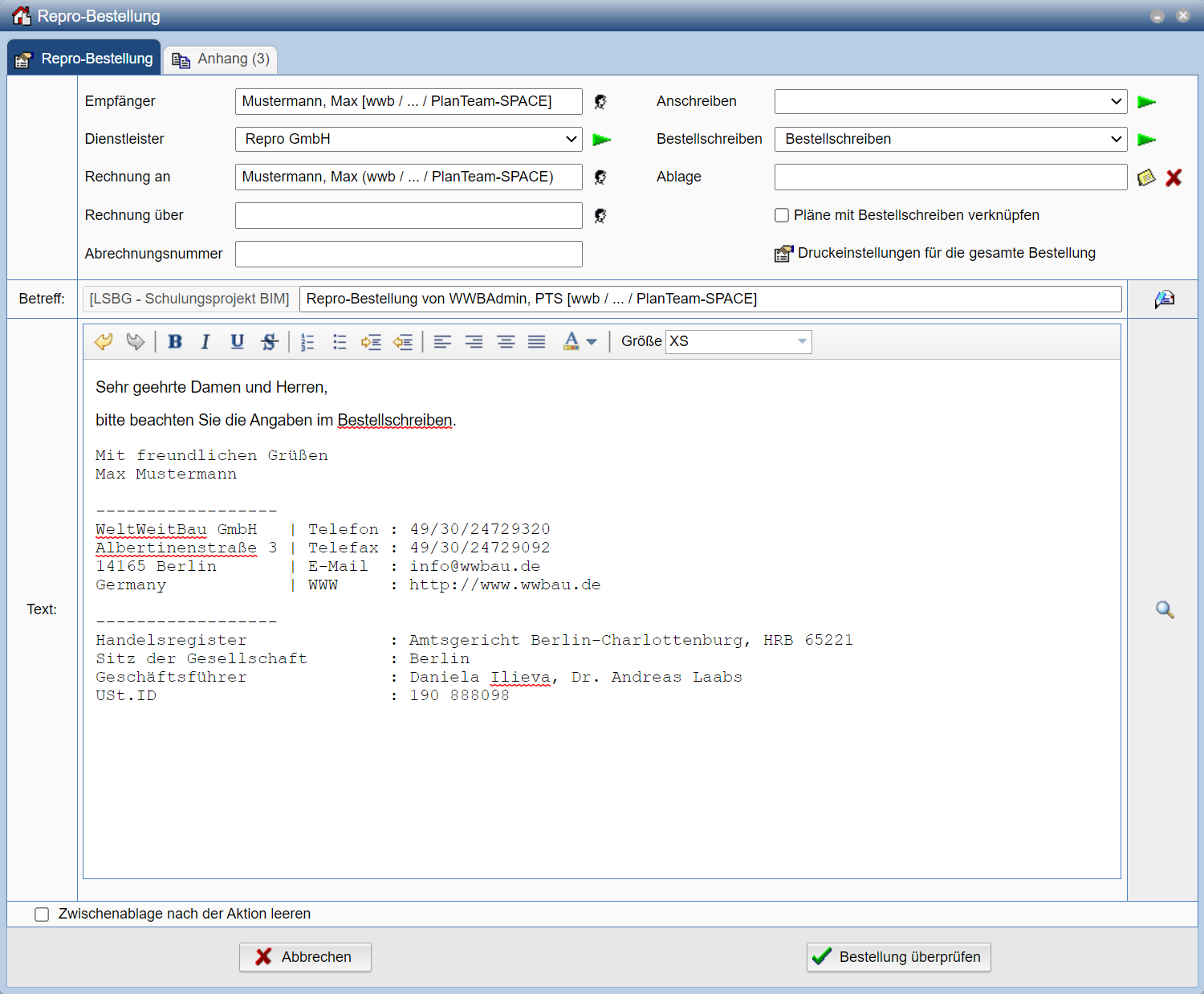
In the fieldRecipientselect via the actionRemove the recipient of the reproduction order. As a default setting, you are entered; therefore, the documents would be sent to you.
Select the service provider, as well as the order and cover letter to be used.
To display these before sending, you can perform the actionuse the corresponding line.
The fieldsInvoice toandInvoice forserve for information and cannot be changed. They contain instructions for the reprographics service provider as to whom invoices should be addressed.
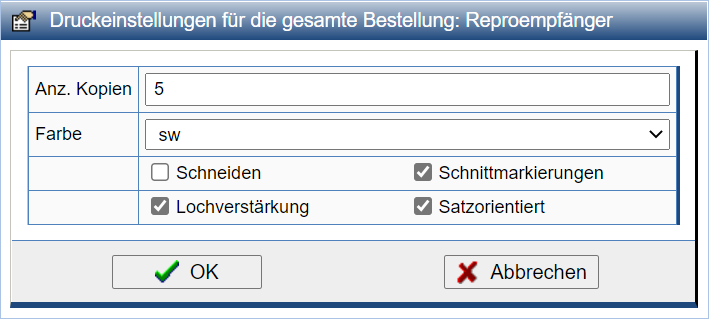
About the iconcan you edit the print settings for the entire order. These settings are passed on to the service provider as information.
If you the fieldsSubjectandTextnot changed, its content is automatically generated. Otherwise, the text you entered will be selected for the email to the service provider. With the help of the actioncan
you copy the e-mail text from one of the templates.
Now pressVerify order. A summary of the test order is then displayed.
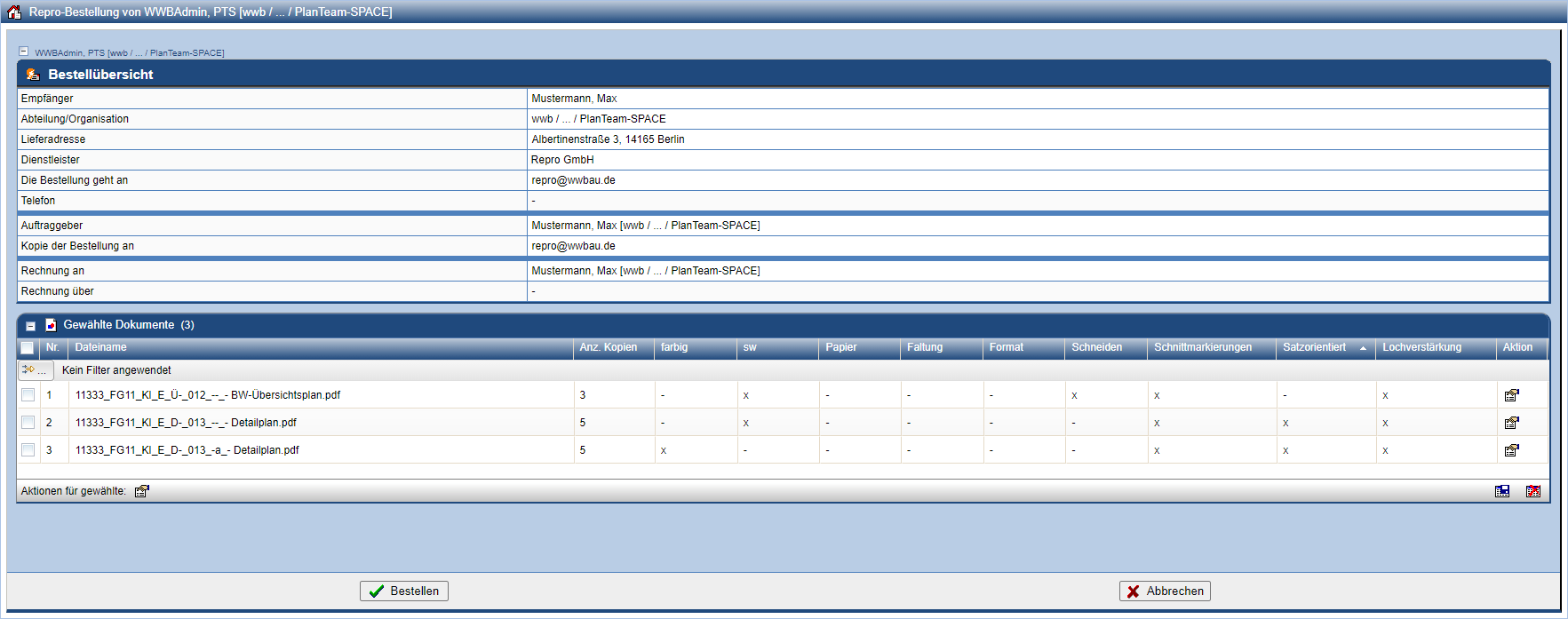
Here you can individually adjust the parameters for each document. The order of the documents can be adjusted by selecting (checking) and subsequently dragging and dropping them. If the values are correct, place the order by pressing Order. Otherwise, return to the order form with Cancel.
A log provides information on whether the order was successfully sent.