Apply Documentation Template
If you want to build multiple identical documentation structures, you can effectively have them automatically created using predefined documentation templates.
| Note: | To be able to apply documentation templates, you must have the role of Document Manager in the project. |
Documentation templates can only be applied below a folder or the documentation itself. To apply a documentation template, select the desired folder in the documentation tree and choose the icon on the properties page. to apply a documentation template.
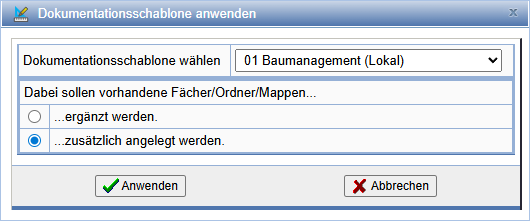
Now select the desired documentation template and confirm with Apply. You can choose whether the folders of the template that are already present in the documentation should be supplemented or created additionally.
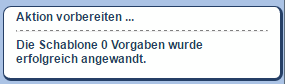
Creating the documentation structure may take some time depending on the template. After completion of the action, a message will be displayed in the status bar.